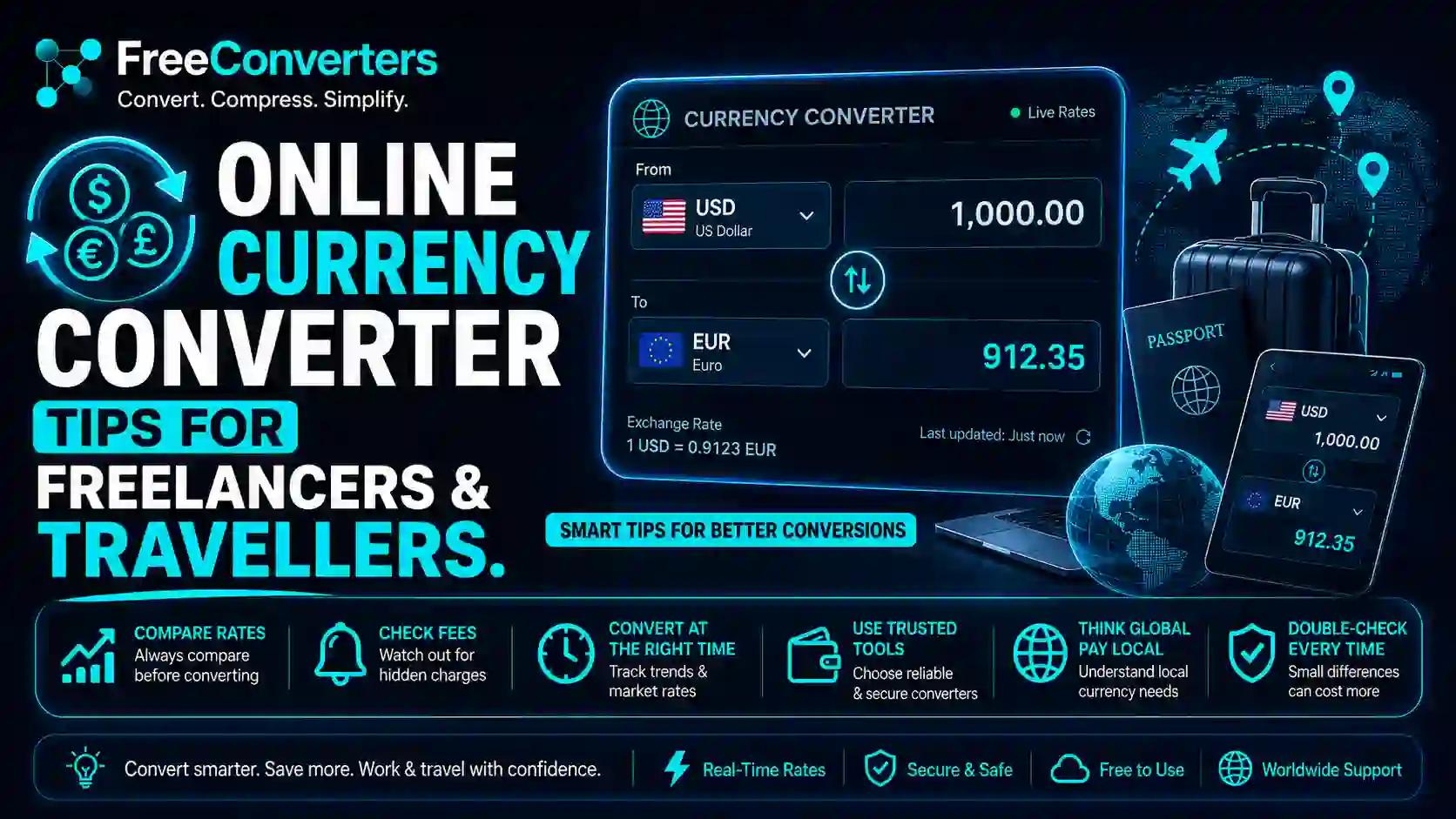
Online Currency Converter Tips for Freelancers and Travellers.
The best online currency converter in 2026 is one that shows you the real mid-market exchange rate, updates in real time, requires no sign-up, and charges absolutely nothing to use. If your current tool does not meet all four of those criteria, you are probably losing money on every single conversion without even knowing it.
Whether you are a freelancer in Karachi converting USD earnings to PKR, a traveller in Europe checking live GBP to EUR rates before spending, or a business owner sending international payments — the currency converter you use and how you use it directly affects how much money you keep. The difference between a good rate and a bad one on a $1,000 transaction can easily be Rs. 5,000 to Rs. 15,000 or more.
This guide covers everything you need to know about using an online currency converter smartly — the tips, the traps, and the tools that actually give you the best rates.
What Is an Online Currency Converter and How Does It Work?
An online currency converter is a free web-based tool that calculates the equivalent value of one currency in another, based on the current exchange rate. You enter an amount, select your source and target currencies, and the tool instantly displays the converted value.
The key question most people never ask is: which exchange rate is the converter using?
There are several types of exchange rates in circulation at any given moment:
Mid-market rate — also called the interbank rate or spot rate. This is the midpoint between the global buying and selling price of a currency. It is the "real" exchange rate — the one you see on Reuters, Bloomberg, and Google. No markup, no spread.
Bank buying rate — the rate at which your bank buys foreign currency from you. Almost always worse than the mid-market rate.
Bank selling rate — the rate at which your bank sells foreign currency to you. Also worse than mid-market, in the opposite direction.
Open market rate — the rate at currency exchange houses, money changers, and informal markets. In Pakistan, the open market rate for USD to PKR often differs from the State Bank of Pakistan interbank rate.
The spread — the gap between buying and selling rates — is essentially a hidden fee. Banks and exchange houses make money by offering you a rate worse than the mid-market rate. The wider the spread, the more you lose.
A genuinely accurate online currency converter shows you the mid-market rate. The free Currency Converter at Free Convertors does exactly this — real-time rates, no account required, no markup applied.
Why Your Bank's Exchange Rate Is Not the Real Rate
This is the single most important concept every freelancer and traveller needs to understand: the rate your bank gives you is not the real exchange rate.
Here is a concrete example. Suppose the mid-market rate for USD to PKR today is 278.50. Your bank may offer you 272.00 when you deposit dollar earnings. That difference of Rs. 6.50 per dollar might seem small — but on a $2,000 freelance payment, you just silently lost Rs. 13,000 without receiving a single fee notification.
Banks are legally permitted to apply this spread. They rarely disclose it transparently. Most people never notice because they have no reference point for what the "real" rate should be.
The fix is simple: always check the mid-market rate on a free, accurate currency converter before any transaction. Know what the real rate is. Then you can judge how much your bank, payment platform, or exchange house is taking from you — and make informed decisions about where to convert.
Currency Converter Tips for Freelancers — 7 Things You Must Know
Tip 1: Always Check the Mid-Market Rate Before Receiving Payment
Before any international payment hits your account, check the live mid-market rate on theFree Convertors Currency Converter. This takes ten seconds and gives you an accurate baseline. When the money arrives, compare what your bank credited versus what the mid-market rate said you should have received. Over time, this awareness helps you choose better platforms and negotiate smarter.
Tip 2: Compare Platform Rates Before Choosing Where to Withdraw
Pakistani freelancers earning through Upwork, Fiverr, Freelancer.com, and other platforms have multiple withdrawal options — local bank transfer, Payoneer, Wise, and others. Each platform applies a different currency conversion rate and fee structure.
PayPal, for instance, is notorious for applying a conversion rate significantly below the mid-market rate — sometimes 3% to 4% worse — on top of any stated fees. Wise (formerly TransferWise), by contrast, is built specifically around the mid-market rate and charges a small, transparent fee instead of hiding its margin in the exchange rate.
On a monthly withdrawal of $1,500, the difference between PayPal and Wise conversion rates can easily amount to Rs. 20,000 to Rs. 30,000 per month. Over a year, that is a significant sum that goes directly to your bottom line if you switch platforms.
Tip 3: Invoice in Your Client's Currency When Rates Are Favorable
Most freelancers automatically invoice in USD regardless of where their client is based. This is not always optimal. When the dollar is strong against your local currency, invoicing in USD maximizes your PKR earnings. But if you are working with UK or European clients, invoicing in GBP or EUR during periods of strength can yield better results.
Use the real-timeCurrency Converter to track your preferred pairs daily. When GBP to PKR or EUR to PKR rates are at favorable levels, that is the right time to invoice, withdraw, or convert.
Tip 4: Avoid Converting Multiple Times — Each Conversion Costs You
Every time a currency conversion happens, you lose money to the spread. If your client pays in EUR, which converts to USD on the platform, which then converts to PKR at your bank — you have been converted three times. Each step has a spread. By the time PKR reaches your account, you may have lost 5% to 8% of your original invoice value.
The solution is to minimize the number of conversions. Use platforms that allow direct local currency withdrawal where possible. If you must convert, do it once, at the best available rate, using a tool like Wise that applies the mid-market rate with a single transparent fee.
Tip 5: Set Rate Alerts for Your Target Conversion Rate
Many currency apps and services allow you to set alerts for when a specific exchange rate is reached. If you are waiting to convert a large sum and want USD to PKR to reach a specific level, set an alert and wait. This is particularly useful for freelancers who accumulate earnings in a foreign currency account before converting.
Tip 6: Understand the Tax Implications of Foreign Currency Income
In Pakistan, foreign income converted to PKR may have tax implications depending on your filing status and income source. When you calculate your annual income for FBR tax purposes, the exchange rate used for conversion matters. Always use the State Bank of Pakistan (SBP) reference rate for tax calculations, not the rate you actually received, as FBR may use the official interbank rate as the benchmark.
Tip 7: Use a Free, Accurate Currency Converter — Not Your Platform's Built-in Rate
Payment platforms like PayPal, Upwork, and Fiverr all have built-in currency conversion tools. These are not neutral. They show you their own rate, which includes their margin. Always cross-reference against an independent, free currency converter before accepting a platform's conversion. TheCurrency Converter at Free Convertors gives you the real rate to compare against.
Currency Exchange Tips for Travellers — 7 Mistakes to Avoid
Mistake 1: Exchanging Currency at the Airport
Airport currency exchange desks are consistently the worst place to convert money. They operate in a captive market — you have just landed, you need local cash, and you have no alternatives at hand. They exploit this with exchange rate spreads that can be 8% to 15% worse than the mid-market rate.
The solution: carry enough local currency for your first 24 hours from home, or withdraw from an ATM at your destination using a card with low foreign transaction fees.
Mistake 2: Falling for Dynamic Currency Conversion
This is one of the most expensive tourist traps in international travel — and almost no one warns you about it.
When you pay by card abroad, the payment terminal sometimes asks: "Would you like to pay in your home currency or local currency?" This seems helpful. It is not. Choosing your home currency activates Dynamic Currency Conversion (DCC), which means the merchant's bank — not your bank — applies the conversion rate. DCC rates are typically 3% to 7% worse than what your bank would charge.
Always choose to pay in the local currency. Let your home bank do the conversion. It will almost always be better.
Mistake 3: Not Checking Live Rates Before You Spend
Many travellers have no idea what the real exchange rate is when they arrive somewhere. They hand over money at an exchange counter without any reference point. Before any currency exchange, spend 30 seconds on the Free Convertors Currency Converterand check the mid-market rate. Now you know exactly how much you should get. If the exchange counter is offering significantly less, you can walk away or negotiate.
Mistake 4: Exchanging All Your Money at Once
Exchange rates fluctuate daily. If you are travelling for two or three weeks, you do not need to convert all your money on day one at whatever rate happens to be available. Convert what you need for the first few days, check rates daily using a free currency converter app, and convert more when the rate is favorable.
Mistake 5: Using Credit Cards With High Foreign Transaction Fees
Some credit cards charge 2% to 3.5% on every foreign transaction — on top of whatever exchange rate your bank applies. Over a two-week trip with significant spending, these fees add up quickly.
Before travelling, check whether your bank card charges foreign transaction fees. Some banks and digital wallets (like Revolut) offer cards with zero foreign transaction fees and mid-market rate conversions — a significant advantage for frequent international travellers.
Mistake 6: Carrying Too Much Cash
Physical cash is a security risk and the worst rate you will typically encounter. In most developed countries and major cities, card payments are universally accepted. Carry a sensible amount of local cash for small purchases and transport, but do not over-convert into physical currency.
Mistake 7: Not Using a Time Converter When Planning Cross-Timezone Transactions
If you are converting currency as part of an international bank transfer or payment scheduled across time zones, the rate at the time of execution matters. Use the freeTime Converter at Free Convertors to precisely schedule transactions at times when forex markets are most liquid and rates are most stable — typically during the overlap of London and New York trading hours.
Best Currency Converter Tools Compared — 2026
Tool | Rate Used | Fees | Sign-Up Required | Best For
Free Convertors | Mid-market | Free | No | Quick checks, freelancers, travellers
Wise | Mid-market | Small transparent fee | Yes | International transfers
Xe.com | Mid-market | Free to check | No | Rate reference
Revolut | Mid-market (limits apply) | Free tier available | Yes | Travel card spending
Google | Mid-market | Free | No | Quick reference
PayPal | Below mid-market | Hidden in rate | Yes | Payments (avoid for conversion)
Bank | Below mid-market | Hidden in spread | Account required | Unavoidable for deposits
The clear winner for checking real-time rates with no account and no fees is the Currency Converter at Free Convertors. For actually transferring money internationally, Wise offers the most transparent fee structure built around the mid-market rate.
How to Use the Free Currency Converter at Free Convertors — Step by Step
Getting an accurate live exchange rate takes under 60 seconds:
- Visit the Currency Converter at Free Convertors
- Enter the amount you want to convert
- Select your source currency (e.g., USD)
- Select your target currency (e.g., PKR)
- The tool instantly displays the converted amount at the live mid-market rate
- No account creation, no email required, no payment wall
That is it. Bookmark it. Use it every time before any currency-related financial decision — whether you are invoicing a client, receiving a payment, planning a trip, or comparing exchange house rates in your city.
USD to PKR — What Pakistani Freelancers Need to Know in 2026
Pakistan has one of the largest freelance communities in Asia, with hundreds of thousands of professionals earning in USD, GBP, EUR, AED, and SAR. Currency conversion is not a minor administrative task for Pakistani freelancers — it is a core financial decision that directly determines take-home income.
Key facts every Pakistani freelancer should know:
The interbank rate set by the State Bank of Pakistan (SBP) is the official benchmark rate. Banks typically offer exchange rates close to — but slightly below — the interbank rate when crediting foreign remittances.
The open market rate in Karachi, Lahore, Islamabad, and Rawalpindi is what currency exchange houses and informal markets offer. It can be higher or lower than the interbank rate depending on dollar supply and demand.
Remittances sent through official banking channels qualify for the Roshan Digital Account (RDA) scheme and may attract favorable exchange rates and tax incentives.
Payoneer is widely used by Pakistani freelancers and offers withdrawal to local bank accounts at competitive rates. Comparing Payoneer's offered rate against the mid-market rate on Free Convertors tells you exactly how much margin they are taking.
Wise now supports Pakistan for receiving USD and converting to PKR, with mid-market rates and transparent fees — often a better option than traditional bank deposits for large amounts.
For quick USD to PKR calculations at any time, theCurrency Converter at Free Convertors gives you the live mid-market rate instantly, so you always have a real-world benchmark before touching any withdrawal or conversion.
Other Free Tools That Complement Your Currency Converter
While the Currency Converter is your primary financial tool, several other free tools at Free Convertors directly support freelancers and travellers in their daily workflow:
The Unit Converterhandles all measurement conversions — essential for freelancers working with international clients using different unit systems, or travellers navigating between metric and imperial countries.
The Date Calculatorcalculates exact days between dates — useful for tracking invoice payment terms, project deadlines, and visa validity windows.
The Time Converterconverts time across global time zones — critical for scheduling client calls and coordinating international payment transfers at optimal market times.
For freelancers managing document workflows, thePDF to Word Converter, PDF Compressor, and Word to PDF Converter handle all contract and proposal document needs without any paid software.
The complete Free Convertors tools library is available at no cost, with no account required for any tool.
Frequently Asked Questions
What is the best online currency converter in 2026? The best free online currency converter in 2026 is one that shows the real mid-market exchange rate, updates in real time, and requires no sign-up or payment. The Currency Converter at Free Convertors meets all these criteria and is available instantly at freeconvertors.com.
What is the mid-market exchange rate? The mid-market rate is the midpoint between the global buying and selling prices of any currency pair. It is the "real" exchange rate — the one shown on Reuters, Bloomberg, and Google — with no bank markup or spread applied. It is the rate you should use as your benchmark before any currency transaction.
How do I get the best exchange rate as a freelancer in Pakistan? Check the mid-market USD to PKR rate on a free currency converter before every withdrawal. Compare your payment platform's offered rate against the mid-market rate to see the margin being taken. Use Wise for large transfers where the fee structure is transparent and the rate is closest to mid-market. Withdraw through official banking channels to qualify for remittance incentives.
Is it better to convert currency before or after travelling? In most cases, it is better to convert after arriving at your destination, using a local ATM or exchange house — but only if you have checked the live mid-market rate first. Airport conversion on arrival is almost always the worst option. Ordering currency in advance from your bank or using a travel money card at mid-market rates (like Revolut) are both better alternatives to airport kiosks.
What is dynamic currency conversion and should I avoid it? Dynamic Currency Conversion (DCC) occurs when a merchant terminal abroad offers to charge you in your home currency instead of the local currency. It sounds convenient but it is almost always more expensive — the conversion rate applied by the merchant's bank is typically 3% to 7% worse than what your home bank would charge. Always choose to pay in local currency and let your bank handle the conversion.
Can I use a free currency converter without creating an account? Yes. The Currency Converter at Free Convertors requires no account, no email, and no payment of any kind. Simply visit the tool, enter your currencies and amount, and get the live mid-market rate instantly.
Conclusion — Know the Real Rate Before Every Currency Decision
The rate your bank gives you, the rate on your freelance platform, and the rate at the airport exchange desk are all worse than the real exchange rate. The difference is not a rounding error — it is real money that leaves your pocket silently on every transaction.
The solution is straightforward: always check the mid-market rate first on a free, accurate currency converter. Make that two-minute check a habit before every payment received, every withdrawal made, and every currency exchange during travel. Over the course of a year, that habit can save a freelancer hundreds of thousands of rupees and a traveller hundreds of dollars.
👉 Start now — use the free Currency Converter at Free Convertors to check today's live exchange rates for any currency pair, instantly and completely free.
Explore the complete Free Convertors tools library for every conversion, calculation, and file tool you need in your digital and financial life — all free, all instant, all without creating an account.
External authority reference: For professional-grade live exchange rate data and historical forex rates,Wise's currency converterand XE.com are industry-standard reference tools trusted by banks, businesses, and financial professionals worldwide.