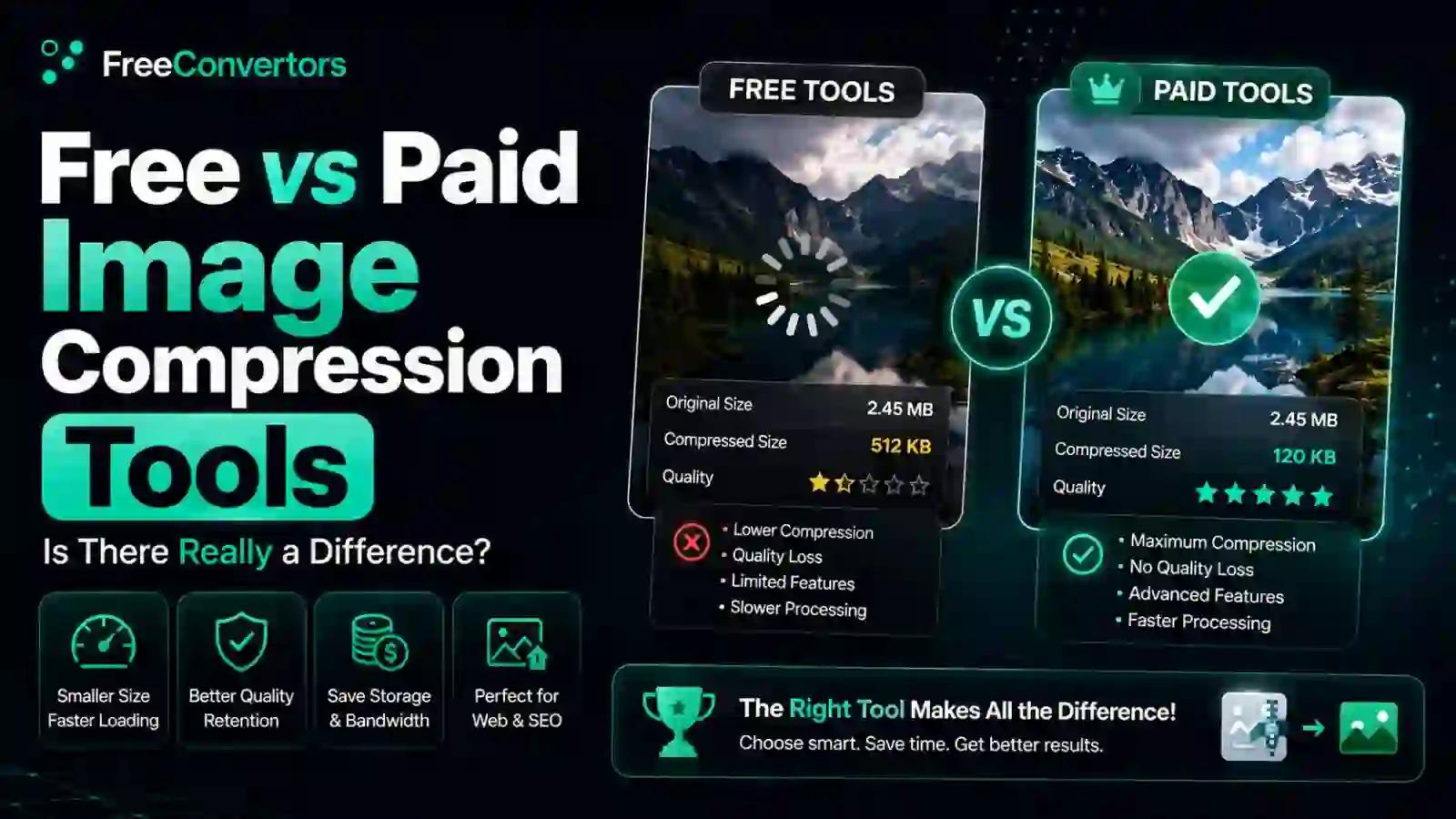
Free vs Paid Image Compression Tools — Is There Really a Difference?
You need to compress a batch of product photos before your website launch, and you're staring at two options: a free online compressor, or a $12/month subscription tool promising "professional-grade" results. Is the paid option actually better, or just better marketed?
Here's the honest answer: for most everyday use cases, free image compression tools produce results that are visually indistinguishable from paid alternatives, since both typically rely on the same core lossy or lossless compression algorithms. Paid tools earn their price mainly through convenience features — higher batch limits, API access, no ads, and dedicated support — not through fundamentally superior compression technology. In this guide, we'll break down exactly where free and paid tools genuinely differ, where they don't, and which option actually fits your specific situation.
What Actually Determines Image Compression Quality?
Before comparing free versus paid tools, it helps to understand what's actually happening under the hood. Image compression quality comes down to the underlying algorithm, not the price tag attached to the tool using it.
Most compression tools — free or paid — rely on the same well-established compression standards:
- Lossy compression (JPEG, WebP) — Discards some image data to significantly reduce file size, with quality loss becoming visible only at aggressive compression levels.
- Lossless compression (PNG, some WebP modes) — Reduces file size without discarding any image data, preserving exact quality but achieving smaller size reductions.
Since both free and paid tools generally use these same standard algorithms — often even the same underlying open-source libraries — the actual compression quality difference between a free and paid tool compressing the same image at the same settings is frequently negligible or nonexistent.
Free vs Paid Image Compression: Comparison Table
Feature | Free Tools | Paid Tools
Core compression quality | Same underlying algorithms in most cases | Same underlying algorithms in most cases
Batch processing limits | Often capped (10–50 images per session) | Typically higher or unlimited
File size limits | Common (5–25MB per file) | Often higher or unlimited
API access | Rare or limited | Commonly included
Ads/watermarks | Sometimes present | Rarely present
Customer support | Minimal or community-based | Dedicated support
Advanced format support (AVIF, next-gen) | Increasingly common | Often more comprehensive
Cost | Free | $5–$50+/month depending on volume
Do Paid Image Compressors Actually Produce Better Quality?
In most everyday scenarios, no — not meaningfully. When you compress the same JPEG at the same quality setting using a reputable free tool versus a paid one, the resulting file size and visual quality are typically almost identical, since both are applying the same JPEG compression standard underneath.
Where paid tools sometimes pull ahead is in adaptive compression — more sophisticated algorithms that analyze each image individually and apply variable compression levels across different regions of the photo, rather than a single uniform setting. This can occasionally squeeze out marginally better file size-to-quality ratios, particularly for large, complex images. But for typical web images, product photos, or blog graphics, this difference is rarely visible to the human eye.
If you want to see this for yourself, our free Image Compressor lets you test different compression levels directly and compare the visual result against the file size savings — often the most convincing way to settle this debate for your specific use case.
What Are the Real Limitations of Free Image Compression Tools?
Free tools aren't limitation-free, and being upfront about this matters. The genuine constraints typically include:
- Batch processing caps — Many free tools limit how many images you can compress in a single session, requiring multiple uploads for larger galleries.
- File size ceilings — Free tiers often cap individual file sizes, which can be an issue for very high-resolution photography or large design files.
- No API access — Developers needing to integrate compression directly into an app or workflow typically need a paid tier or self-hosted solution.
- Fewer advanced format options — Some free tools lag behind on newer formats like AVIF, though this gap has narrowed significantly in recent years.
- Ads or upsell prompts — Some free tools monetize through ads or persistent upgrade prompts, which can be mildly annoying though rarely affect actual output quality.
None of these limitations affect the quality of compression itself — they affect convenience and scale, which is an important distinction when deciding what actually matters for your use case.
Which Is Better for Websites: Free or Paid Image Compression?
For most website owners — bloggers, small businesses, portfolio sites — free tools are genuinely sufficient. Website image optimization for SEO and page speed primarily depends on getting file sizes down significantly, which free tools accomplish just as effectively as paid ones for typical website image volumes.
If you're managing image optimization for your website, our detailed guide oncompressing website images covers the specific settings and formats that matter most for page speed and SEO, regardless of which tool you use.
Paid tools become more justifiable when you're managing genuinely high volume — hundreds or thousands of images monthly, automated workflows requiring API integration, or ecommerce catalogs needing consistent, hands-off optimization at scale.
Are Free Image Compression Tools Safe to Use?
Generally, yes, provided you choose reputable tools with clear privacy practices. Legitimate free compressors typically process your images temporarily and delete them shortly afterward, rather than retaining copies indefinitely. That said, this varies by provider, which is worth verifying before uploading sensitive or client work.
If privacy is a specific concern for your use case — say, compressing photos for client delivery — our detailed breakdown ofwhat happens to your files when you use online converters explains exactly what to check before trusting any tool, free or paid, with your images.
JPEG vs PNG vs WebP: Does the Format Matter More Than Free vs Paid?
Honestly, yes — often more than the free-vs-paid question entirely. Choosing the right format for your specific use case typically has a bigger impact on final file size and quality than which specific tool you use to compress it.
- JPEG — Best for photographs with complex color gradients; lossy compression works well here.
- PNG — Best for graphics, logos, or images requiring transparency; lossless compression preserves sharp edges and text.
- WebP — Often the best overall choice for web use, offering superior compression ratios compared to both JPEG and PNG at comparable quality levels.
Our detailed comparison of PNG vs JPG vs WebP breaks down exactly which format fits which use case — a decision that often matters more than whether your compression tool is free or paid.
When Does Paid Image Compression Software Actually Make Sense?
Paid tools earn their cost in specific scenarios:
- High-volume automated workflows — Ecommerce sites processing thousands of product images monthly benefit from API access and automation that most free tiers don't offer.
- Development integration — If you need compression built directly into an app, CMS, or pipeline, paid API access typically streamlines this significantly.
- Dedicated support needs — Businesses that need guaranteed uptime, SLA commitments, or responsive customer support genuinely benefit from paid tiers.
- Advanced batch and folder processing — Design agencies or photographers processing very large galleries regularly may find unlimited batch processing worth the subscription cost.
For everyone else — casual users, small business owners, bloggers, and most website operators — free tools cover the actual need without the recurring cost.
Real-World Example: Testing Free vs Paid on the Same Image
Consider a 5MB product photo compressed at "high quality" settings using both a free online compressor and a popular paid tool:
- Free tool result: Reduced to approximately 800KB, with no visible quality difference from the original at normal viewing sizes.
- Paid tool result: Reduced to approximately 750KB, with similarly no visible quality difference.
The paid tool achieved a marginally smaller file size in this example — a difference unlikely to matter for most practical purposes, though it illustrates the kind of small edge premium adaptive algorithms can sometimes provide. For a single image, this gap is negligible; at massive scale (thousands of images), it could add up to modest bandwidth savings, which is where the paid tool's value proposition becomes more relevant.
Free vs Paid: A Practical Decision Framework
Here's a simple way to decide which fits your situation:
Choose free tools if:
- You're compressing images occasionally or in moderate volume
- You're a blogger, small business owner, or casual user
- You don't need API integration or automated workflows
- Budget matters more than marginal efficiency gains
Consider paid tools if:
- You're processing hundreds or thousands of images regularly
- You need API access for automated compression in your app or CMS
- You require guaranteed support and uptime for business-critical workflows
- You're managing a large ecommerce catalog needing consistent, hands-off optimization
Common Misconceptions About Free vs Paid Compression
- "Paid always means better quality" — Not true for standard use cases; both typically rely on the same core compression algorithms.
- "Free tools are unsafe or unreliable" — Reputable free tools are generally just as safe as paid ones, provided you check their privacy practices.
- "You need paid tools for professional work" — Many professional photographers and designers use free compression tools daily without any quality compromise.
- "Paid tools always offer unlimited everything" — Many paid tiers still have limits, just higher ones than free tiers; always check specific plan details rather than assuming unlimited access.
Why Choose Free Convertors for Your Image Compression Needs
We believe most people don't need to pay for image compression to get professional-quality results. At Free Convertors, our Image Compressor uses the same industry-standard compression algorithms that power paid alternatives, without file watermarks, without requiring an account, and without pushing you toward an unnecessary upgrade.
If you're managing a broader workflow beyond just compression — format conversion, batch processing, or file delivery — explore our full collection of free image toolsbuilt around the same principle: professional results shouldn't require a subscription for everyday use.
FAQs About Free vs Paid Image Compression Tools
Is there a real difference between free and paid image compression tools? For most everyday use, no meaningful quality difference exists, since both typically use the same core compression algorithms. The real differences lie in batch limits, API access, and support — not compression quality itself.
Do paid image compressors produce better quality results? Rarely, and only marginally when they do. Some paid tools use more sophisticated adaptive compression that can achieve slightly better file size-to-quality ratios, but the difference is usually imperceptible for typical images.
What are the limitations of free image compression tools? Common limitations include batch processing caps, file size limits, lack of API access, and occasionally fewer advanced format options — none of which affect actual compression quality, only convenience and scale.
Are free image compression tools safe to use? Generally yes, when using reputable tools with clear privacy policies. Legitimate free compressors typically process and delete images shortly after compression rather than retaining them indefinitely.
Which is better for websites: free or paid image compression? For most websites, free tools are entirely sufficient for effective image optimization. Paid tools become more valuable at high volume or when automated API integration is specifically needed.
Can free image compression tools handle bulk processing? Many do, though often with batch limits (commonly 10–50 images per session). For very large galleries, this may mean multiple upload sessions rather than a single bulk operation.
Final Thoughts
The free versus paid image compression debate ultimately comes down to convenience and scale, not fundamental quality. Both categories generally rely on the same proven compression algorithms, meaning the actual visual result is nearly identical for typical use cases. Paid tools justify their cost through higher batch limits, API access, and dedicated support — genuinely valuable for high-volume, automated workflows, but unnecessary for the vast majority of everyday compression needs.
Ready to see the difference for yourself? Try our freeImage Compressor and compare the results against any paid tool you're considering — most people find free tools handle their actual needs perfectly well. Explore our complete collection of free tools for all your image and file conversion needs.
For further technical reference on compression standards, the official WebP documentation from Googleprovides authoritative detail on modern image compression technology worth reviewing.