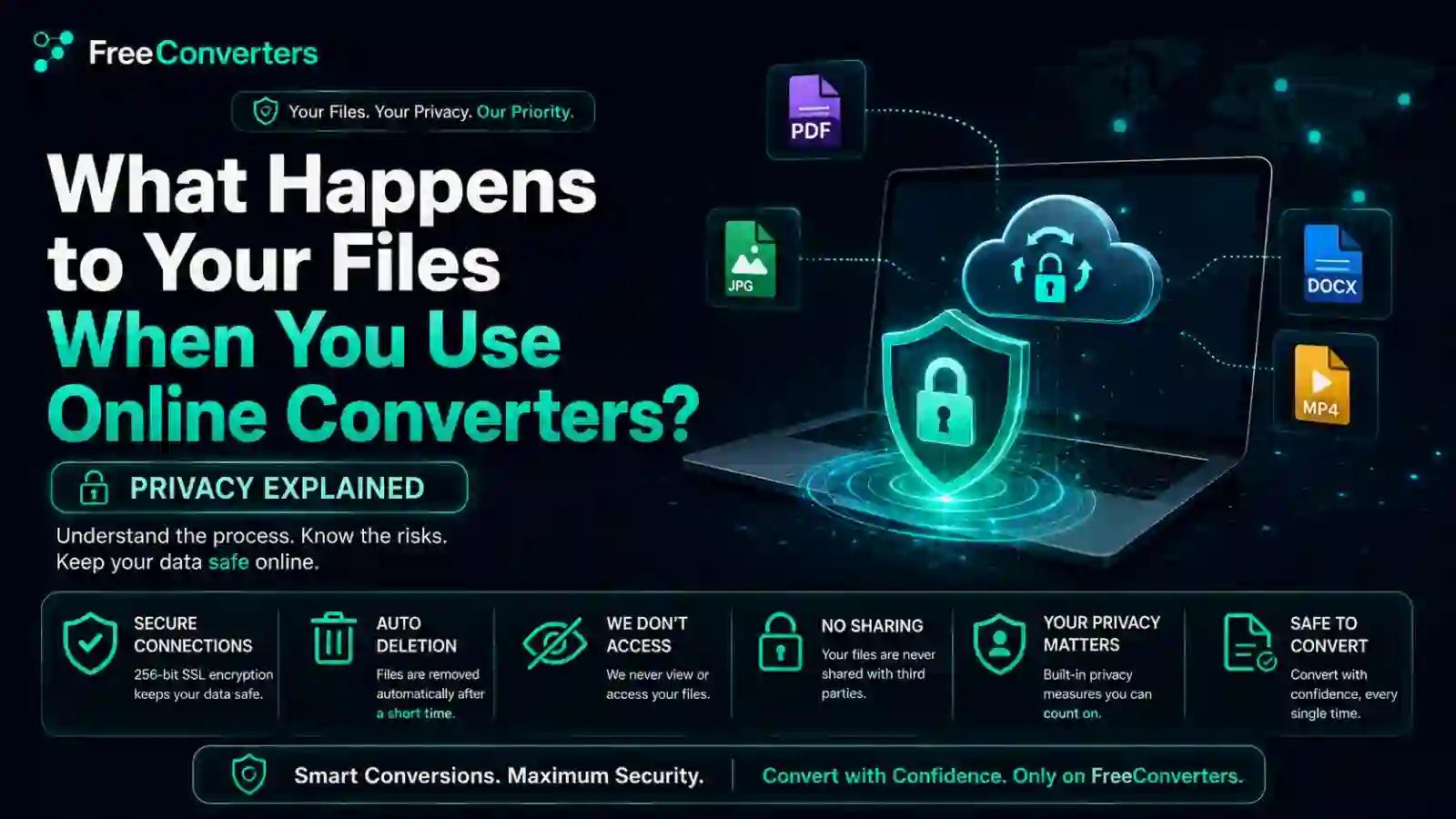
What Happens to Your Files When You Use Online Converters? Privacy Explained
You upload a PDF to convert it to Word. Ten seconds later, you have your file. But what actually happened in those ten seconds? Where did your document go? Who could have seen it? And is it still sitting on some server somewhere right now?
These are fair questions, especially if you've ever uploaded something sensitive — a resume with your address, a scanned ID, or a business contract — to a free online tool. In this guide, we'll walk through exactly what happens to your files during online conversion, how legitimate tools protect your data, and which red flags to watch for, so you can use these services with confidence rather than guesswork.
The Basic File Lifecycle: Upload → Process → Delete
At a high level, most online converters follow the same three-step process. You upload a file, the tool's server processes it into the new format, and the converted file is sent back to you for download. Reputable converters then delete both the original and converted files from their servers within a set window — often between 1 and 24 hours, depending on the platform's specific data retention policy.
This is the ideal, standard lifecycle. But the details of how each step is handled — and how long that "temporary" storage lasts — vary significantly across tools, which is exactly why understanding the process matters.
Where Do Your Files Actually Go When You Upload Them?
When you use a browser-based converter, your file typically travels through this path:
- Your device to the server — The file is transmitted over the internet, ideally via a secure HTTPS upload with SSL/TLS encryption, which scrambles the data in transit so it can't be intercepted and read by anyone monitoring the connection.
- Server-side file processing — The file is temporarily stored on the tool provider's server (often hosted on cloud infrastructure such as AWS or Google Cloud), where the actual conversion occurs.
- Delivery back to you — Once converted, the new file is sent back to your browser for download.
- Deletion (ideally) — The original and converted files should be removed from the server in accordance with the site's stated auto-delete file policy.
The key phrase here is "ideally." Not every converter follows this cleanly, which is why checking a site's privacy policy before uploading sensitive documents is worth the extra thirty seconds.
Client-Side vs Server-Side Conversion: Why It Matters
This is one of the most important technical distinctions in online file conversion, and most users have never heard of it.
Server-side conversion means your file is uploaded to a remote server, processed there, and then sent back. This is how most PDF, Word, and image converters work, since the conversion software runs on the provider's infrastructure rather than your device.
Client-side (browser-based) conversion means the entire process happens locally in your browser using JavaScript, without your file ever leaving your device. Some simpler conversions — like basic image resizing or format switching — can be done this way, meaning your file is never actually uploaded anywhere.
If privacy is your top concern, client-side tools offer a meaningful advantage: there's no server-side copy of your file to worry about, no upload window during which interception is possible, and nothing left behind to delete, since nothing was ever stored in the first place.
Do Online Converters Store Your Files?
This depends entirely on the specific tool and its data retention policy. Broadly, converters fall into three categories:
- Temporary storage with auto-delete — Files are processed and automatically removed within a set timeframe (commonly 1–24 hours). This is the standard, privacy-respecting approach used by most reputable tools.
- No storage at all — Client-side tools, or server-side tools that process files in memory without ever writing them to disk, leave no residual copy anywhere.
- Extended or unclear retention — Some free tools, particularly ones monetized through data collection, may retain files longer than necessary or fail to specify a clear deletion timeline in their privacy policy.
The honest answer is that you generally can't know for certain what happens after upload unless the provider explicitly states it — which is exactly why reading the privacy policy, even just the retention section, is worth doing before uploading anything sensitive.
Comparison Table: Converter Types and Privacy Practices
Converter Type | Storage Duration | Encryption | Data Deletion Policy
Client-side (browser-based) | None — file never leaves device | N/A (no transmission) | Nothing to delete
Reputable server-side, auto-delete | 1–24 hours | HTTPS/SSL in transit | Automatic, stated in policy
Server-side, unclear policy | Unknown/unspecified | Varies | Not clearly stated
Server-side, data-monetized | Potentially indefinite | Varies | Often vague or absent
Is It Safe to Use Online Converters for Sensitive Documents?
For everyday files — a school assignment, a casual photo, a non-confidential PDF — free online converters are generally safe when the site uses HTTPS and has a clear privacy policy. The risk profile changes significantly, though, when you're dealing with sensitive document upload scenarios: financial statements, ID scans, medical records, signed contracts, or anything containing personal data you wouldn't want exposed.
For these cases, a few extra precautions make sense:
- Check for HTTPS — Look for the padlock icon in your browser bar before uploading anything.
- Read the retention policy — A trustworthy tool clearly states how long files are kept and confirms deletion after processing.
- Avoid tools with excessive ads or unclear ownership — Sites overloaded with third-party ad scripts increase the number of parties that could access your session data.
- Consider offline software for highly sensitive files — For truly confidential documents, the scale leans toward offline tools, since nothing ever leaves your device.
- Look for stated GDPR or CCPA compliance — This signals the provider has formal data protection obligations, not just good intentions.
If you're unsure whether a specific tool is trustworthy, our guide to online tool safetywalks through exactly what to check before uploading anything to an unfamiliar site.
What About Metadata?
Metadata is the hidden information embedded in files — things like your device model, GPS location (in photos), author name (in documents), or creation timestamps. Many conversion processes strip this metadata automatically as a side effect of changing file formats, which can actually be a privacy benefit rather than a concern.
However, this isn't guaranteed across all tools. If you're specifically trying to remove identifying metadata before sharing a file — say, stripping GPS data from a photo before posting it publicly — it's worth confirming the tool does this explicitly rather than assuming it as a given.
Common Security Risks in File Upload Systems
Beyond privacy policies, there are technical security considerations that affect how safely a file upload feature is built. According to security guidance frequently referenced by developers, file upload functionality is considered one of the higher-risk features in web applications, since poorly secured upload systems can potentially be exploited for malware distribution or unauthorized server access if not properly restricted.
For everyday users, this technical detail translates into a practical takeaway: established, well-maintained conversion platforms that clearly explain their security practices are generally safer bets than obscure, ad-heavy sites with no visible information about how uploads are handled.
Browser-Based Tools vs Traditional Software: A Privacy Comparison
There's an ongoing debate about whether browser-based online tools or installed desktop software offers better privacy. The honest answer is: it depends on the specific tool and how it's built.
Browser-based tools that process files client-side can actually offer excellent privacy, since files never leave your device. Server-side browser tools introduce a temporary upload step, but reputable ones delete files quickly afterward. Desktop software, meanwhile, processes everything locally by default, but requires trusting the installed application itself, including any background data collection it might perform.
We've broken this comparison down in more detail in our guide on browser-based tools vs desktop software, which covers convenience, privacy, and performance tradeoffs side by side.
How to Know If an Online Converter Is Trustworthy
Here's a practical checklist before uploading anything through an unfamiliar tool:
- HTTPS padlock — Confirms that the connection between your device and the server is encrypted.
- Visible, specific privacy policy — Vague policies are a red flag; specific retention windows are a good sign.
- No excessive permissions requested — A file converter shouldn't need access to your contacts, location, or camera.
- Established reputation — Tools with a track record and transparent "About" information are generally more accountable.
- Minimal third-party tracking — Heavy ad networks and tracking scripts increase the number of parties handling your session data.
- Clear ownership information — Legitimate services typically list company information, contact details, and a real privacy policy — not just a generic template.
If you're new to using online conversion tools generally, our beginner's guide to Free Convertors covers the basics of getting started safely, and our comparison of free online tools vs paid software breaks down when a paid, more controlled option might make sense for sensitive work.
GDPR, CCPA, and What Compliance Actually Means for You
If a converter states it's GDPR-compliant (relevant for EU users) or CCPA-compliant (relevant for California residents), this means the provider has committed to specific legal obligations regarding data handling — including limits on retention, users' rights to request deletion, and transparency about what data is collected.
While compliance claims aren't a perfect guarantee, they do create legal accountability that unregulated tools lack. For anyone who regularly converts documents that contain personal information, prioritizing tools with clearly stated compliance measures is a reasonable, low-effort way to reduce risk.
Why This Matters More in 2026
As more everyday tasks move to browser-based tools — from PDF editing to image compression to file conversion — the volume of personal data flowing through third-party servers continues to grow. Understanding this file lifecycle isn't just a technical curiosity; it's a practical skill for protecting your own information in an increasingly cloud-dependent workflow.
This is also why transparency matters so much in the free tools space. Providers that clearly explain their process — what happens to your files when you use online converters, how long data is retained, and what security measures protect it — are simply more trustworthy than ones that leave you guessing.
Our Approach to File Privacy at Free Convertors
At Free Convertors, we believe you shouldn't have to choose between convenience and privacy. Our tools are built with clear, straightforward data handling: files are processed for conversion and are not retained beyond what's necessary to complete your task. We don't require account creation for basic conversions, and we keep our privacy practices transparent rather than buried in dense legal language.
If privacy is a priority for your workflow, explore our full collection of free tools— from PDF converters to image compressors — all built around the same principle: your files are yours, not ours to keep.
FAQs About Online Converter Privacy
Are online file converters safe to use? Generally, yes, for everyday files, especially when the site uses HTTPS and has a clear, specific privacy policy. For highly sensitive documents, extra caution or offline alternatives are worth considering.
Do online converters store your uploaded files? It depends on the tool. Reputable converters typically store files temporarily (often for 1–24 hours) before automatic deletion, whereas client-side tools don't store files at all, since processing happens entirely in your browser.
How long do online converters keep files before deleting them? This varies by provider, but many stated policies range from one hour to 24 hours after processing. Always check the specific tool's privacy policy for its exact retention window.
Can someone else access files you upload to a converter? With proper HTTPS encryption during transit, interception is unlikely. However, files sitting on a server, even temporarily, are technically accessible to the service provider, which is why choosing reputable tools matters.
Is it safe to convert confidential documents online? For highly confidential files, offline software is generally the safer choice since your file never leaves your device. If you must use an online tool, verify HTTPS, clear deletion policies, and compliance with data protection regulations first.
What is the difference between client-side and server-side conversion? Client-side conversion happens entirely in your browser without uploading the file, whereas server-side conversion sends your file to a remote server for processing before returning the converted version.
Final Thoughts
Online file converters have become an essential part of everyday digital life, and for good reason — they're fast, free, and require no installation. But convenience shouldn't come at the cost of understanding where your data actually goes. Knowing the difference between client-side and server-side processing, checking for HTTPS and clear retention policies, and reserving genuinely sensitive documents for offline tools puts you back in control of your own information.
The next time you're about to upload a file, take ten seconds to check the privacy policy. It's a small habit that makes a real difference.
Ready to convert files with a provider that respects your privacy? Explore our full range of free conversion tools, and check our online tools safety guide for more tips on staying secure while using free web-based tools.
For deeper technical reference on data protection standards, the official GDPR.eu resource center provides authoritative guidance on data rights and compliance that any privacy-conscious user should be familiar with.