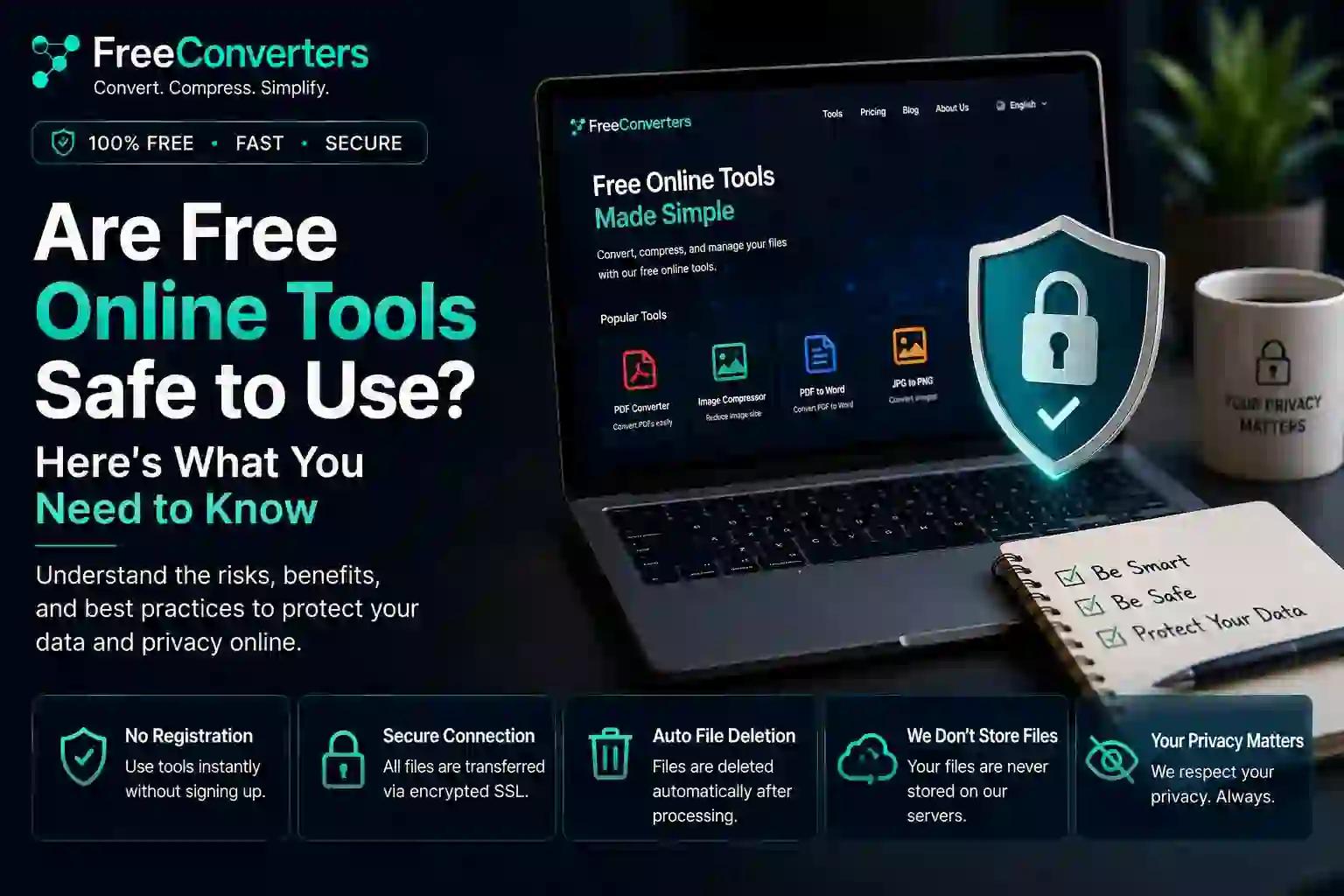
Are Free Online Tools Safe to Use? Here's What You Need to Know
You need to convert a PDF, compress an image, or check today's exchange rate — and the first result on Google is a free online tool you've never heard of. Do you trust it with your file?
This is one of the most common hesitations people have before using any browser-based converter. And it's a fair question. With so many free tools online, it's smart to pause and ask whether uploading your documents, photos, or data is actually safe.
The short answer: yes, most reputable free online tools are safe to use, as long as they follow basic security practices like HTTPS encryption, clear privacy policies, and temporary file storage. But not every website meets that bar, and knowing the difference is what protects you.
This guide breaks down exactly how free online tools work, what real risks exist, how to check if a website is safe before uploading anything, and what safe usage looks like in practice.
What Does "Safe" Actually Mean for an Online Tool?
When people ask if a free online tool is safe, they're usually really asking three separate questions:
- Will my file be stolen, leaked, or sold?
- Will the website infect my device with malware?
- Will my personal data be tracked or misused?
A genuinely safe online tool answers all three with a confident no. It processes your file for the single purpose you intended, doesn't store it longer than necessary, uses encrypted connections, and doesn't bury shady data practices in fine print.
Free online file converters, unit converters, currency tools, and compressors have become part of everyday digital life — for students, freelancers, developers, and business owners alike. Platforms like FreeConvertors.com run entirely in the browser, meaning there's no software to install and no executable file that could carry malware, which already removes one major risk category compared to downloading desktop converter apps from unverified sources.
Why This Question Matters More in 2026
Online tool usage has grown massively as more work shifts to browsers and mobile devices. At the same time, awareness of data privacy has grown too — people are more cautious than ever about where their documents and images end up.
A few reasons this topic is especially relevant right now:
- Remote and hybrid teams regularly convert and share sensitive files like resumes, contracts, and reports across different tools and devices.
- Data privacy regulations such as GDPR in Europe have raised the bar for what "responsible" data handling looks like, even for free tools.
- Scam and phishing sites increasingly disguise themselves as converters or utility tools to harvest uploaded files or push malicious downloads.
- Browser-based tools have become the default alternative to installing desktop software, as explored in this comparison ofbrowser-based tools vs. desktop software.
Understanding how to evaluate a tool's safety isn't just a technical nicety anymore — it's a basic digital literacy skill.
The Real Risks of Using Free Online Tools
Let's be direct about what can actually go wrong, because vague fear isn't useful — specifics are.
1. Data Retention Without Disclosure
Some low-quality websites keep uploaded files on their servers indefinitely, sometimes using them to train systems or sell to third parties. A trustworthy tool will state clearly in its privacy policy that files are deleted after a short window, often within an hour or immediately after conversion.
2. Unencrypted Connections
If a website's URL doesn't start with "https://" (with the padlock icon in your browser), any data you upload could be intercepted in transit. This is one of the fastest ways to spot an unsafe converter.
3. Excessive Ad Networks and Redirects
Many "free" tools are funded entirely through aggressive advertising. Some ad networks include malicious redirect scripts that can lead to phishing pages or unwanted downloads. This doesn't mean every ad-supported tool is dangerous — but it's worth watching for pop-ups that don't match the tool you intended to use.
4. Fake Converter Websites
Scam sites sometimes mimic the branding or naming style of popular converters to trick users into uploading files or downloading fake "results" that are actually executable malware. Always double-check the domain name carefully before uploading anything sensitive.
5. Weak or Nonexistent Privacy Policies
If a site has no visible privacy policy, terms of service, or contact information, that's a red flag. Legitimate platforms — including FreeConvertors.com — publish clear information about who operates the tool and how user data is treated, which you can review on their About pageand Contact page.
How to Check If an Online Tool Is Safe (Checklist)
Before uploading any file, run through this quick checklist:
- Check the URL for HTTPS. Look for the padlock icon in your browser's address bar.
- Search the site name plus "reviews" or "scam" before first use, especially for lesser-known tools.
- Look for a visible privacy policy that explains data handling and retention.
- Avoid uploading highly sensitive documents — like ID scans, passports, or financial records — to any third-party tool unless it explicitly states strong security practices.
- Watch for excessive permissions. A converter shouldn't need access to your contacts, location, or camera.
- Check if the site requires an account for basic functions — reputable tools usually let you convert without forced sign-up.
- Notice pop-up behavior. Constant redirects or auto-downloads are a major warning sign.
- Confirm the file is deleted after conversion, either through stated policy or by testing that download links expire after a short time.
This kind of checklist approach is exactly what search engines and AI-generated answers favor — it's scannable, actionable, and directly answers the underlying question.
Free Tools vs. Paid Software: Which Is Actually Safer?
There's a common assumption that paid software is automatically safer than free tools. That's not always true.
- Paid desktop software (like Adobe Acrobat or CorelDRAW) processes files locally on your device, which can reduce upload-related risk — but it also requires installation, which carries its own risks if downloaded from unofficial sources.
- Reputable free browser-based tools process files temporarily on secure servers and never touch your device's file system directly, which can actually reduce malware exposure.
- The real safety factor isn't price — it's transparency. A free tool with a clear privacy policy and HTTPS encryption is safer than a paid tool with vague data practices.
For a deeper look at this trade-off, see this breakdown offree online tools vs. paid software.
Is FreeConvertors.com Safe to Use?
FreeConvertors.com is a browser-based conversion platform, meaning there's nothing to download or install — a key safety advantage over desktop converter software. It offers a wide range of free tools, including:
- PDF to Word Converter
- PDF to JPG Converter
- Image Compressor
- HEIC to JPG Converter
- JSON to XML Converter
- Currency Converter
As with any online tool, the same general safety principles apply: use it for everyday documents and images rather than highly sensitive personal records, confirm you're on the correct domain, and review the platform's About page for transparency on how the service operates. You can browse the complete range of available tools on thetools directory.
Practical Scenarios: When Free Online Tools Make Sense
Scenario 1: A student converting an assignment Converting a Word document to PDF for submission is low-risk — the content isn't sensitive, and the process is quick. This is one of the most common and safest use cases for tools like Word to PDF or PDF to Wordconverters.
Scenario 2: HR teams processing resumes HR professionals frequently convert candidate resumes into standardized PDF formats. This guide onhow HR professionals convert CVs and resumes to PDF explains best practices for handling applicant documents responsibly.
Scenario 3: Compressing images before emailing Shrinking a large photo for an email attachment is a routine, low-sensitivity task. See this guide oncompressing an image for email for practical steps.
Scenario 4: Checking currency rates while traveling Using a currency converter to check exchange rates involves no personal file upload at all — one of the lowest-risk categories of online tool use, covered further inbest currencies to know before traveling.
Scenario 5: Developers converting structured data Moving data between JSON, XML, and CSV formats for testing or development is common and generally safe when the data itself isn't sensitive — explained in thisdata conversion guide for JSON, XML, and CSV.
Where caution matters more is with documents containing financial account numbers, medical records, or government ID scans — these deserve extra scrutiny regardless of which tool you use.
What Reputable Sources Say About Online Data Safety
Organizations like the Federal Trade Commission publish consumer guidance on evaluating website trustworthiness and protecting personal data online. Their general principle applies well here: look for transparency, encryption, and clear limits on data use — the same standards that separate a trustworthy converter from a risky one.
Similarly, data protection frameworks like GDPR have pushed many online platforms, including file conversion tools, toward clearer privacy policies and shorter data retention windows, which benefits users regardless of location.
Signs You Should Avoid a Website Entirely
- The URL looks slightly "off" — extra characters, unusual domain extensions, or misspelled brand names
- There's no HTTPS padlock icon
- The site immediately triggers multiple pop-ups or redirects
- Download buttons are unclear, duplicated, or lead to unrelated software installers
- There's no privacy policy, terms of service, or contact page
- The site demands unnecessary account permissions for a simple conversion task
If two or more of these apply, it's best to close the tab and find an alternative.
Frequently Asked Questions
Are free online tools safe to use? Yes, most reputable free online tools are safe when they use HTTPS encryption, have a clear privacy policy, and don't require unnecessary account permissions. Always verify these basics before uploading files.
Is it safe to upload files to online converters? It's generally safe for everyday documents and images. Avoid uploading highly sensitive files like ID scans or financial records unless the platform explicitly guarantees strong data protection.
Do free online tools store your files? Reputable tools typically store files only temporarily, deleting them shortly after conversion. Always check the site's privacy policy to confirm its data retention practices.
Is FreeConvertors.com safe to use? FreeConvertors.com is a browser-based platform that doesn't require software installation, which reduces malware risk. As with any online tool, use discretion with highly sensitive documents.
How do free online tools make money if they're free? Most free tools generate revenue through advertising or premium upgrade options, rather than charging for basic conversion features.
What should I check before using a free online tool? Look for HTTPS encryption, a visible privacy policy, no forced account creation, and an absence of excessive pop-ups or redirects before uploading any file.
Final Thoughts
Free online tools aren't inherently risky — most of the ones people use daily, from PDF converters to currency calculators, are built by legitimate companies with reasonable data practices. The key is knowing what to check before you upload: HTTPS encryption, a visible privacy policy, no unnecessary permissions, and a domain name that matches what you expect.
Used thoughtfully, browser-based tools are often safer and more convenient than installing unfamiliar desktop software. Start with everyday, low-sensitivity tasks — like converting aPDF to JPG or compressing an image — and apply extra caution only when a document contains genuinely sensitive personal information.
If you have questions about how a specific platform handles your data, the most reliable move is always to check its official About and Contactpages directly, rather than relying on assumptions.