
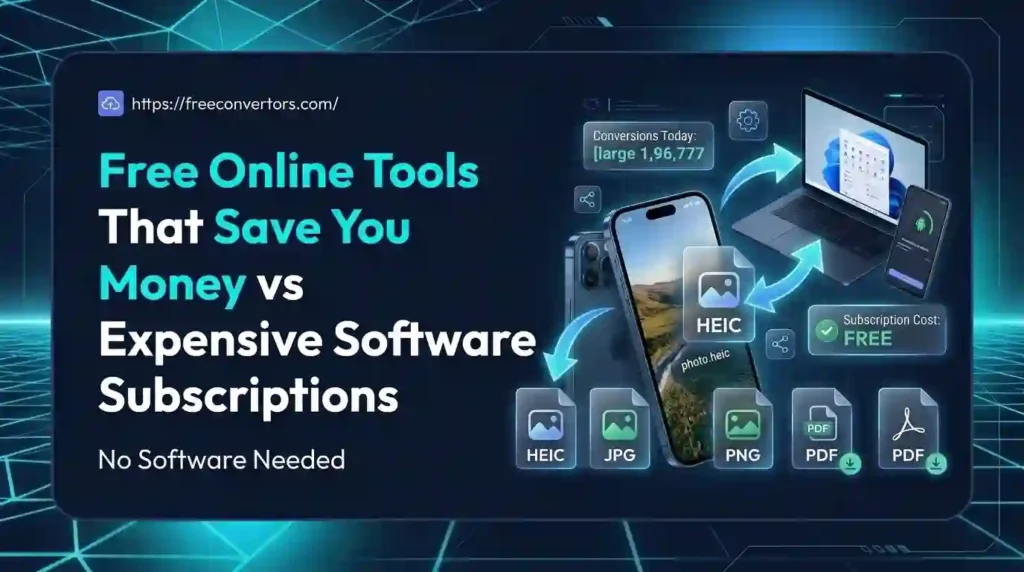
Software subscriptions have quietly become one of the biggest hidden expenses for freelancers, startups, and small businesses. Between design apps, PDF editors, project management platforms, and accounting software, monthly bills stack up fast — often without anyone noticing until the annual renewal hits. The good news is that free online tools have matured enormously, and in many cases, they now match or come close to paid software in speed, quality, and reliability. This article breaks down free tools vs paid software, shows you exactly where you can cut costs, and helps you decide when a subscription is actually worth paying for.
What Are Free Online Tools (and Why They Matter in 2026)
Free online tools are web-based applications that let you complete tasks — converting files, editing images, tracking budgets, managing time zones — without installing software or paying a subscription fee. Unlike traditional desktop software, most run directly in your browser, which means no downloads, no license keys, and no recurring charges.
The rise of cloud computing tools and the freemium model has made this possible. Companies like Free Convertors offer a full suite of no-cost productivity tools — from a PDF compressor to a currency converter — that used to require paid desktop applications just a few years ago.
For small businesses and freelancers working with tight budgets, these free web apps aren’t a compromise anymore. They’re often the smarter first choice.
The Real Cost of Software Subscriptions
Subscription fatigue is real. According to Wikipedia’s overview of Software as a Service, the SaaS model has become the dominant way software is delivered, meaning most modern tools now come with a recurring bill rather than a one-time purchase.
Here’s what that adds up to for a typical small business:
- Design software (Adobe Creative Cloud): $50–$70/month
- Project management (paid Asana or Monday.com): $10–$25/user/month
- Video editing (Premiere Pro): $20–$35/month
- CRM software (Salesforce or HubSpot paid tiers): $50–$150/month
- Office suite (Microsoft 365 Business): $6–$22/user/month
Multiply that across a small team, and software subscription costs can easily exceed $500–$1,000 per month — money that could go toward growth, hiring, or marketing instead.
Free Tools vs Paid Software: Key Differences
| Category | Free Tool Option | Paid Alternative | Estimated Annual Savings |
|---|---|---|---|
| PDF Editing | PDF to Word Converter | Adobe Acrobat Pro | $180–$240 |
| Image Compression | Image Compressor | TinyPNG Pro / Photoshop | $100–$600 |
| File Conversion | Image Converter | CloudConvert Pro | $96–$180 |
| Currency Tracking | Currency Converter | Bloomberg/XE Premium | $120–$300 |
| Design Software | Canva Free | Adobe Photoshop | $240–$600 |
| Office Suite | Google Docs | Microsoft 365 | $72–$264 |
| Video Editing | DaVinci Resolve (Free) | Premiere Pro | $240–$264 |
This table alone shows why more businesses are asking: is free software as good as paid software? In many everyday use cases — especially file conversion, image editing, and basic document work — the honest answer is yes.
Best Free Alternatives to Popular Paid Software
Free Document & PDF Tools vs Adobe
If you regularly convert or compress documents, you don’t need an Adobe subscription. Free Convertors offers a PDF to JPG Converter, a Word to PDF Converter, and a dedicated PDF Compressor to shrink large files before emailing them — a common pain point covered in this guide on reducing PDF file size for free.
HR teams handling resumes also benefit — see this breakdown on how HR professionals convert CVs and resumes to PDF without paid software.
Free Image & Design Tools vs Photoshop/Canva Pro
Free image tools now cover most everyday design needs. Try the PNG to JPG Converter, SVG to PNG Converter, and HEIC to JPG Converter — especially useful for iPhone users, as explained in the guide to viewing HEIC photos on PC and Android.
Choosing the right format also matters for web performance — this comparison of PNG vs JPG vs WebP and SVG vs PNG for logos and icons explains which free tool fits which job. If page speed is a priority, read how compressing images improves speed, storage, and SEO.
Free Currency & Unit Conversion Tools vs Paid Finance Software
Instead of paying for financial data subscriptions, small businesses can use the free Currency Converter and check current currency values instantly. This guide on currency converter tools for small businesses shows practical use cases, and if you travel often, the best currencies to know before traveling is worth bookmarking. The Unit Converter also replaces several paid measurement-conversion apps.
Free Time & Date Tools vs Paid Scheduling Software
Remote and international teams often overpay for scheduling software when a free Time Converter and Date Calculator do the job. If your team spans regions, see how to convert time zones online for free, and this breakdown of time zone differences between Pakistan, the UAE, the UK, and the USA.
Free Developer Tools vs Paid Dev Software
Developers can also cut costs. The JSON to XML Converter is a solid free alternative to paid data-transformation tools — see the full data conversion (JSON, XML, CSV) guide and an explanation of JSON to XML conversion. For a broader list, check developer tools worth bookmarking in 2026.
Why Choose Free Convertors for Free Online Tools
Free Convertors brings together dozens of free tools for business, freelancers, and everyday users in one place — no installs, no sign-ups, no hidden subscription traps. Whether you need to merge images into a PDF (see how to merge multiple images to PDF for free), compress an image before emailing it (see how to compress an image for email), or convert Word documents both ways (see Word to PDF and PDF to Word), the full tools directory covers it. Explore Advanced Tools at Free Convertors to see the complete, growing library.
How Much Can You Save?
Here’s a realistic annual comparison for a solo freelancer or small team relying mostly on free tools instead of paid subscriptions:
- Skipping Adobe Acrobat Pro: save ~$240/year
- Skipping Adobe Photoshop for basic image work: save ~$240–$600/year
- Skipping a premium currency/finance data tool: save ~$120–$300/year
- Skipping a paid file conversion service: save ~$96–$180/year
Total potential savings: $700–$1,300+ per year, just by switching everyday tasks to free tools. For businesses running multiple teams, the number multiplies quickly.
Are Free Tools Safe and Reliable for Business Use?
This is one of the most common questions people ask before switching. Reputable free online tools process files securely, don’t require software installation (reducing malware risk), and are backed by companies that monetize through ads or premium add-ons rather than selling user data. That said, always check a tool’s privacy policy, especially when uploading sensitive documents like contracts or financial records.
Free tools do have limits — batch processing, advanced automation, and enterprise-level support are usually reserved for paid tiers. But for day-to-day conversions, edits, and calculations, free tools are more than reliable enough.
Budgeting Tools That Help You Track Software Savings
Once you start replacing paid software with free tools, it helps to track the savings. Simple budgeting tools — whether a free spreadsheet template or a basic budget tracker app — let you log what you used to spend versus what you spend now. Capital budgeting tools used by larger companies apply the same logic on a bigger scale: comparing cost against value before committing to any recurring expense. The principle is the same whether you’re running a household budget or a company’s software stack — track it, review it quarterly, and cut what isn’t earning its cost.
Real-World Examples: Businesses Saving Money With Free Tools
- A freelance graphic designer switched from a paid PDF editor to free conversion tools and saved roughly $200 a year, redirecting that budget into marketing.
- A small HR consultancy replaced a paid resume-formatting tool with free PDF-to-Word conversion, cutting document-processing costs to zero.
- A remote team spread across Pakistan, the UAE, and the UK replaced a paid scheduling subscription with a free time zone converter, saving both money and confusion.
These aren’t hypothetical — they reflect the exact use cases free conversion and productivity tools solve every day.
Future of Free Online Tools
Free tools are only getting smarter. AI-powered features — like auto-compression, smart format detection, and one-click batch conversion — are increasingly available even in free tiers. As competition in the free tools for startups space grows, expect the gap between free and paid software to keep shrinking, especially for conversion, editing, and everyday productivity tasks.
FAQs
What are the best free tools instead of paid software? Free PDF converters, image compressors, currency converters, and unit converters are among the most reliable alternatives to paid software for everyday business use.
Are free online tools as good as paid subscriptions? For common tasks like file conversion, image resizing, and basic editing, yes. Paid software still wins for advanced features like batch automation or enterprise support.
How can I save money on software subscriptions? Audit which paid tools you actually use weekly, then replace low-usage subscriptions with free alternatives for the same task.
Do free tools have hidden costs? Reputable free tools are typically ad-supported or offer optional premium upgrades, but the core functionality remains free with no forced charges.
Is free software safe to use for business? Yes, as long as you use trusted platforms and review their privacy policy before uploading sensitive files.
What’s the difference between freemium and free forever tools? Freemium tools offer basic features for free and charge for advanced features; free-forever tools keep their core functionality free indefinitely, often supported by ads.
Conclusion
Free online tools have closed the gap with expensive software subscriptions faster than most people realize. From PDF editing to image conversion to currency tracking, everyday tasks that once required a paid license can now be done for free — without sacrificing speed or quality. Before renewing your next software subscription, ask whether a free tool could do the same job.
Ready to start saving? Explore the full range of free tools at Free Convertors and see how much you can cut from your software budget this year.
Pingback: Online Tools Safety: Are They Safe to Use in 2026?
Pingback: How to Extract Images from a PDF File Free (Step by Step)